


AneeMate Weekly Dev Report: Elements, Catching and Better Co-op
Week: 31 October to 6 November 2026 · Build: 0.1.5-ce
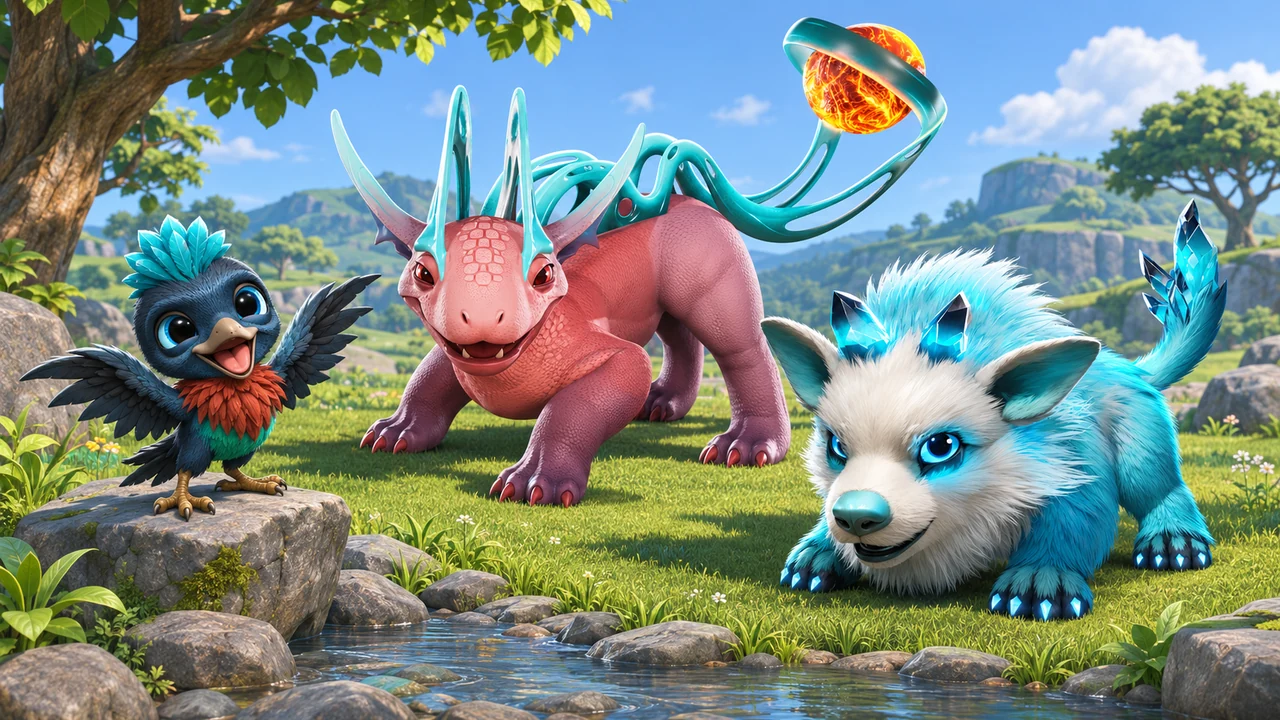
AneeMate’s week of 31 October to 6 November has been about making the island feel more connected: elements that react to each other, combat that flows into a shared attack, and fewer interruptions between exploring, catching and coming home. This weekly report brings the work together around what it changes for the person holding the controls.
All the changes in this report are live in build 0.1.5-ce, released with the 6 November update on the Epic Games Store. This is what you can jump into now.
Elements are becoming a conversation
Fire, water, ice and electricity should give you reasons to pay attention to what just happened, rather than only decide which damage number appears next. This week’s elemental work gives those choices a more visible relationship.
Burning, Frozen, Shocked, Wet, Poisoned, Stunned and Rooted each have their own visual effects on the kid, AneeMates and robots. We also fixed cases where buff effects did not play in single player. An effect that exists in the rules but never appears on screen is missing part of its job: helping you understand the fight.
The reactions make the sequence of attacks matter. Water puts out a burning target and leaves it Wet, with a “DOUSED!” callout. Ice also extinguishes burning. Fire melts a frozen target and leaves it Wet, while fire against an already Wet target dries it without immediately setting it alight. The “MELTED!” message tells you that a reaction happened, not just another ordinary hit.
Wet targets open different opportunities. Electricity applies Shocked and strengthens the chain that follows. Ice has a 50% chance to freeze a Wet target. The useful question becomes, “What state is this enemy in, and what can I do with it?” Our element matchup guide covers the broader reference; these reactions add another layer to the moment-to-moment decision.
A wet target changes the next electric hit
An electric hit from the kid can jump to two additional enemies within five metres, dealing 60% damage to each chained target. When the initial target is Wet, that becomes three additional enemies within 7.5 metres, at 80% damage each. The chain excludes you, your AneeMates and friendly robots.
That creates a clear reason to set up an encounter before committing to the next hit. As a simple example, making the first target Wet changes what the following electric attack can reach. It is a small sequence you can learn and recognise, rather than an invisible bonus you have to take on trust.
Freeze has its own follow-through. A frozen enemy stays still for 2.5 seconds. A staff hit or a critical hit can shatter it, with an “ICE BREAK!” callout. A short period of freeze immunity follows, so the same enemy cannot be kept frozen indefinitely.
Fire also reaches the ground. Fire arrows, and sometimes a fire AneeMate, can leave a burning patch for four seconds. Enemies standing in it take damage, water extinguishes it, and it does not hurt you, your party or friendly robots. The aim is readable elemental play with room to react.
Catching starts before the Yipee lands
Element choices extend beyond combat. Using a Yipee of the right element gives a much better capture chance. There is a reason to look at what you are carrying before trying to catch an AneeMate, rather than treating every Yipee as interchangeable.
Dropped ammunition and weapons also show their names in their element’s colour. Picking out Fire, Water and other elements should take less effort when you are deciding what to bring into the next encounter.
We have also addressed a less exciting but important part of catching: capture slots getting stuck. Slots now free themselves when you die, switch body, open a menu or the creature disappears. Catching should leave you thinking about the next creature, not wondering whether an interrupted attempt has blocked your equipment. If you are planning what happens after a catch, the evolution readiness guide is a useful next read.
A better rhythm between you and your AneeMate
Staff combat received attention at several points in the same movement. Perfect dodges recognise the close timing of an enemy attack. Short slow-motion moments help emphasise parts of a combo. Turning in place after attacks and animation blending have been smoothed out, while a dodge roll no longer accidentally cancels a charged staff attack.
Joint attacks make the companion relationship more visible. Breaking a robot or landing a perfect dodge can bring your awakened AneeMate into the fight beside the enemy, arriving in a burst of its element. A comic-style panel frames the moment as you attack together.
The staff also gains a different use after you catch your first arena boss: throw it and blink to where it lands. This ability belongs in the gadget slot. Arena bosses, including Terrapar and Icerox, now appear from level 10, giving that progression a clearer place in the adventure.
Robots received stronger hit reactions, with death sequences, explosions and debris timed to the impact. These details belong together. The input, the response and the aftermath should feel like parts of the same action.
Controls that explain themselves
A control setting is only useful if you can find it, understand it and see whether the change worked. The rebuilt key bindings page groups actions into Move, Combat, Abilities, Menus, Building and More. Click a binding, press the replacement key, or cancel with Esc. Conflicts appear in red with “Also used by”, and you can reset one row or everything.
Camera distance can be adjusted from 80% to 150%, alongside camera height, with the result visible while playing. Auto pickup can be disabled in Gameplay settings so that pickups happen with E instead. In co-op, that choice works per player.
Damage-number settings also received a practical fix. Player damage numbers had been ignoring the toggle; the switch now controls them. The numbers are smaller and appear beside the target’s head, keeping the crosshair clear. Oxygen has its own bar instead of sharing stamina’s space, and it refills gradually after you surface.
For a wider look at changing inputs without losing track of an action, see our controls and key bindings guide.
Co-op should keep the team in the same world
Some of the most useful co-op changes are the ones you should stop noticing. Day and night are synchronised between host and joining player. Joining players can use consumables correctly and see the Incinerator’s beam. They can also enter without waiting for the host’s trailer.
AneeMates assigned to tower defence positions stand on their spots rather than sinking into the ground. A co-op combat crash has been fixed. Together, these changes address different ways a shared session could lose its continuity, from arriving in the world to reading an attack correctly.
The Incinerator’s hit on the player is about 60% softer, and AneeMate projectiles no longer interrupt its attack. During a home raid, screen-edge arrows point towards attacking robots, turning red when they are close, with another marker above each robot. Robots stuck on terrain can move themselves free.
Before the next run, our co-op team storage guide is a useful way to organise supplies with a friend.
Coming home should mean fewer small interruptions
Work around the camp and island tackles the sort of friction that can make a good session feel untidy. Buried crafting stations and Yipee bushes move to a nearby reachable position. Large forest trees drop wood beside the trunk, rather than inside the terrain. Duplicate campfires are cleaned up on loading, including in saves that already contained them.
Soda Pumps, cows and Bee Houses keep producing into internal storage instead of stopping until you collect. The three campfire storage labels appear only when you are close or looking at them, reducing the amount of text covering the world.
There are fixes along the quest route too. The Quadbot Leader quest has enemies from level nine, the Eldrion side quest counts ownership if you already have him, and the Arcana fight respawns properly. Eldrion’s energy cage is less blinding, with a nearby Traveler pointing you towards the three shards. We will leave the rest of that discovery to you.
More languages, clearer menus and a balance adjustment
The language work covers English, Japanese, Simplified Chinese, Brazilian Portuguese and Latin American Spanish, with Chinese and Japanese font support. The first-launch language picker has been redesigned around fully translated languages, and Settings uses the same list.
Across Gear, the pause menu, Menu (O), Guide, Player Card and Bag preview, the work includes readable full item names, page titles that fit, correct pack previews and a second element displayed for dual-element AneeMates. Undiscovered creatures appear as dark silhouettes in the Matebook. Nearby stations have clearer prompts with their level.
Fullscreen choice is remembered between sessions. On RTX 40 and 50 series hardware, Frame Generation stays enabled after changes to window mode or VSync. These are specific settings fixes, rather than a promise of the same frame rate on every PC. Our FPS cap guide explains how to compare settings on a consistent route.
The week also includes a farming balance change: vegetable selling prices, especially rice, are reduced by 50%. Large farms had been generating MATES too quickly. Starter and Free capsules have an Epic chance of about 0.5%, correcting the previous “NONE” display. The shield’s Quick Use slot works again, Power Pod sizing is corrected for Leycori and Gallak, and a crash when selling through the in-game market has been fixed.
AneeMate, powered by the QORPO ecosystem
We want AneeMate to earn its place through the adventure itself: the creature you are trying to catch, the fight you want to get better at and the friend waiting to join you. We believe in that future, and the useful way to build towards it is to keep improving what people can actually play.
$QORPO is the token connecting the wider QORPO ecosystem. In AneeMate, its role belongs to the optional token and pack economy, alongside MATE earned through play. Playing does not require a wallet. The packs and economy page explains those choices and their current availability, including services still being tested.
To our testers: thank you
A special thank you to Atrel, Hana and everyone testing AneeMate with us. The detailed reports matter: what you were doing, where a session stopped making sense, which control did not respond and whether the same problem happened again. Many of this week’s fixes started with that kind of feedback.
Please keep it coming. Tell us the build, the steps and what you expected to happen. A short clear report gives us something we can act on. Our testing feedback guide can help you put one together.
Explore the current build on the Epic Games Store, bring a friend and tell us how it feels. We are glad you are helping shape the island with us.
Source: AneeMate studio release notes for 31 October to 6 November 2026. The studio confirmed that the changes covered here are released at publication. Economy information follows the current public packs and economy page.