


AneeMate creator clips: keep the action understandable after editing
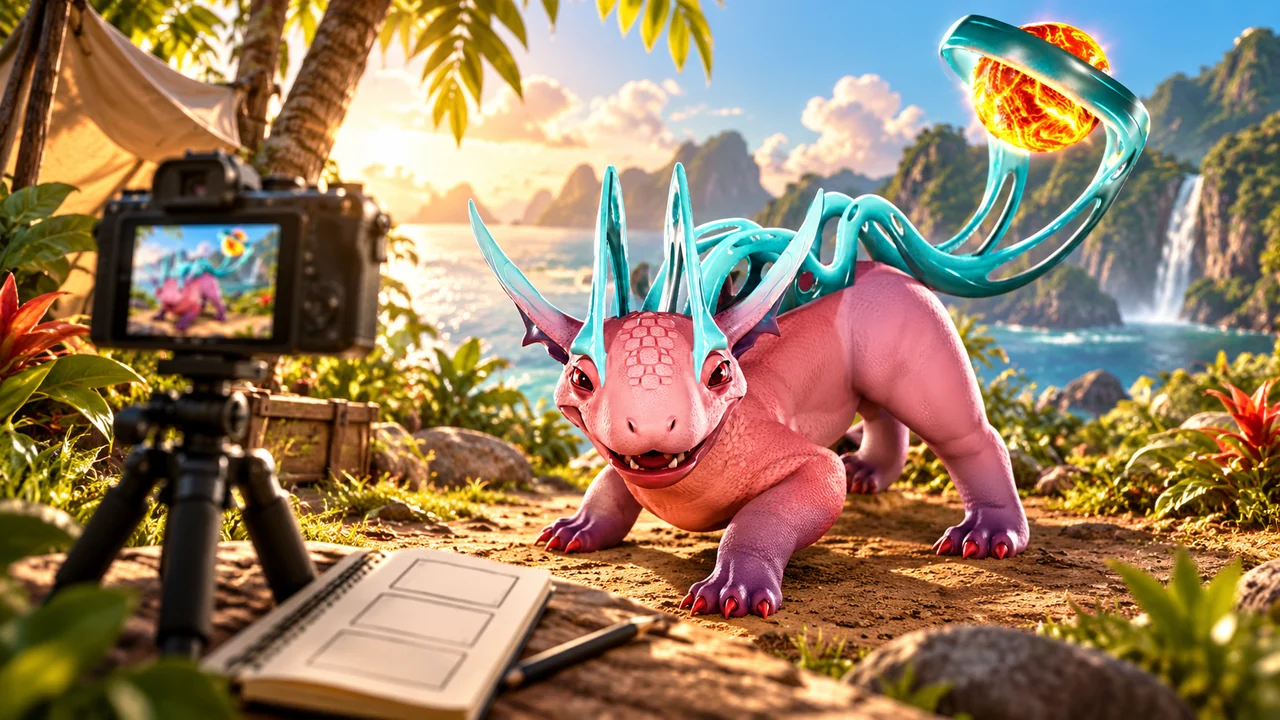
A useful short AneeMate clip shows enough of an action for a viewer to understand what happened, even when the edit begins with its most interesting moment. Keep the setup, action and result connected. Use your own footage, label the post as required by the creator programme and describe the build or context when it changes what viewers should expect.
This is a practical editing brief based on the official creator page, checked on 1 November 2026. It is not an application submission, a promise of approval or a creator-income claim. The page's rules ask for original content, creator-post identification and material suitable for its audience. The workflow below helps prepare one clear clip within that context.
Choose one action the clip can explain
Start with a sentence about what the viewer should understand. A catch attempt, a camp detail or a creature comparison can each be a focused subject. Combining all three in a few seconds may create activity without giving the viewer a useful takeaway. Choose the subject before filling a timeline with attractive unrelated shots.
Use footage you actually recorded and preserve the original. An edited excerpt should remain traceable to its source sequence. The creator page's requirement for your own content is separate from the quality of an edit: a polished reupload is still not original footage. This article does not grant permission to reuse another player's work.
A hook can still preserve context
The programme page suggests opening with a strong moment. That does not require removing every clue about what led to it. A short caption or a brief return to the setup can explain the action without making the opening slow. The viewer should not need to guess whether the result followed from the action shown.
Keep important distinctions visible. A reference-screen comparison, a development demonstration and footage from a released build have different meanings. If you use a concept image as a cover, identify it appropriately rather than presenting it as a captured gameplay frame. A dramatic opening should not change the claim the clip makes.
Model example: a catch attempt with an edit
Imagine a fictional editing exercise with a recorded catch attempt. The opening shows the reaction to the result, then the clip briefly establishes the attempt and returns to the outcome. This is an example of structure, not a claim that a particular recording exists or that the attempt succeeded.
Before approving the edit, compare it with the original sequence. Did the cut remove an important failed attempt? Did it make two separate encounters look like one? Does the text imply a guaranteed result that the footage does not establish? Answer those questions from the actual recording rather than filling the gaps with a more exciting story.
The Yipee-selection guide offers context for a capture-focused subject. It should help you describe the action accurately, not replace the evidence in your clip. A guide and a recording answer different questions: how a system is described and what happened in the recorded sequence.
Preserve the detail that explains the result
When editing a creature comparison, keep the relevant reference conditions. Different displayed levels or states can make a visual comparison misleading. For an impact clip, leave enough of the target visible to understand the feedback. Our combat-readability article explains why the next action can matter as much as the flash of an impact.
If the clip is about a problem, avoid cutting away the trigger. A short lead-in can make the observation much easier to understand. That does not mean posting a whole session. Select the smallest sequence that preserves the relationship between the action and result, with a concise description of any context the recording cannot show.
Write the title after checking the edit
Use a title that describes the action the clip actually supports. An observation about one attempt should not become a universal claim about the game. If you are demonstrating development work, say so. If the clip is a personal experience, keep that scope rather than presenting it as a benchmark or official release announcement.
Add the creator identification required by the current programme and platform. The inspected official page names #AneeMatePartner or the platform's partnership label. Keep that disclosure understandable; do not treat it as a decorative tag disconnected from the post. Recheck the current programme rules before submitting material.
Keep submission and outcomes separate
Preparing a clip does not establish that it has been submitted, reviewed or approved. The testing and feedback guide explains other participation contexts, which should not be confused with the outcome of a creator submission. This article does not verify individual reward fulfilment or promise payment for a video.
Keep the published link, title, short description and original recording organised for your own handoff. If a reviewer asks a question about the sequence, you should be able to answer from the source. A small clear packet is more useful than a dramatic claim that the recording cannot support.
Questions before posting
Must a short clip include the whole session?
No. Include enough setup, action and result for the specific claim. Preserve the original privately so the edit can be checked when needed.
Does a finished clip guarantee approval or income?
No. Follow the current programme's review process and conditions. This article makes no approval, payout or audience-growth promise.
Where should I start?
Read the official creator page, choose one action from your own footage and write the sentence your edit should demonstrate. Use the AneeMate journal for related guides while keeping the clip's claims tied to what the viewer can actually see.