

AneeMate photo mode: frame your first species photo
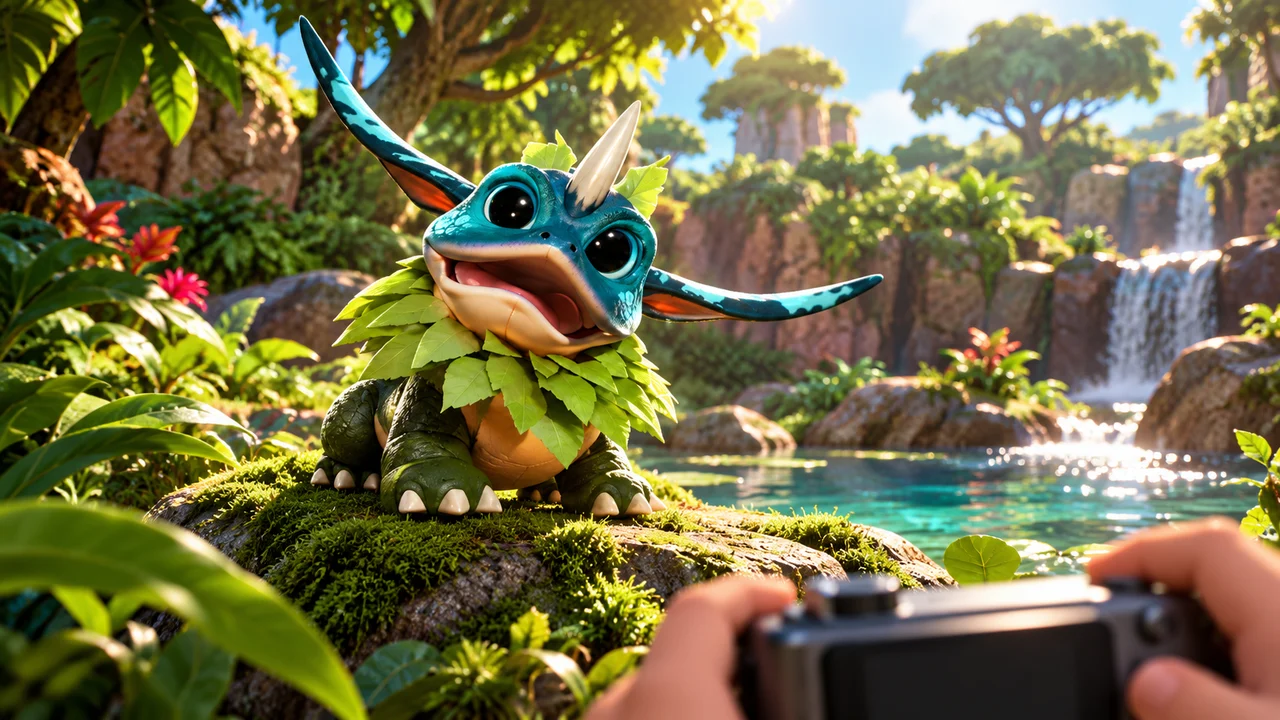
AneeMate's published player guide describes a photo mode with camera movement, filters, a freeze-time control and a photo action. It also describes a reward for the first photo of each species, which marks that species as seen. A useful first goal is a clear creature image, followed by a more expressive composition if you want one.
Those can be different photographs. A close view may help someone notice a creature's silhouette. A wider frame may show why a particular corner of the island caught your attention. You do not have to make one image do every job.
This article follows the official exploration and photo mode guide, checked on 22 October 2026. Its mechanics are documented publicly; this article does not certify their availability in every released build or report a hands-on test. Follow the prompts in your installed version.
Start with what you want the photograph to show
Before moving the camera, decide what matters in the frame. Is this a picture of a creature, a place or the relationship between them? The answer gives you a reason to move rather than merely cycling through camera positions.
For a first species photograph, clarity is a useful creative goal. Can a viewer find the creature immediately? Is its outline lost against nearby scenery? Are you trying to show so much landscape that the subject becomes a small detail?
These are composition suggestions, not hidden game requirements. The published photo description does not establish a scoring formula based on size, artistic quality or a particular pose. Do not confuse making an image readable with proving that the game awards more for that image.
For background on the creatures themselves, explore the Matebook.
Treat the first-species reward as a separate rule
The guide describes a first-photo reward and a species being marked seen. That is distinct from capturing a creature, and distinct again from any creator activity outside the game.
It does not justify promising a repeat reward for photographing the same species indefinitely. It also does not establish that a photograph grants ownership rights in a creature, an item or another player's work. An in-game record and an asset ownership system should never be casually blended together.
A practical approach is to read the feedback your build displays after a photograph. If it reports a new species entry or a reward, that is more informative than assuming every shutter action has the same result.
Our catching and adventure article discusses the wider creature encounter loop. Photography is another documented way to pay attention to what you meet, without turning this article into a claim about a particular game mode.
Use camera tools to solve a visible problem
The public guide lists ways to move the photo camera, select filters, freeze time and take a photograph. Its keyboard and controller sections provide their own layouts. If your input device or settings differ, use the current on-screen instructions instead of translating a keyboard action by guesswork.
A simple creative sequence is to establish the frame first, then consider the available presentation tools. If the creature is hidden behind foreground scenery, a filter does not solve that composition problem. If the subject is already clear, an unfiltered image may communicate it well.
There is no requirement to use every option because it exists. A tool earns its place when you can explain what it changed in the image you wanted to make.
An original three-frame exercise
The following is a suggested creative exercise, not a tested quest, achievement or reward sequence. Its purpose is to give each image a different job.
First, make a straightforward creature portrait. Keep the subject easy to identify and ask whether someone unfamiliar with the scene would know where to look. You are practising a clear introduction.
Next, make an environmental frame. Include enough scenery to show the creature's surroundings. Perhaps a foreground shape leads toward it, or the landscape makes its scale easier to understand. You are answering a different question: what does being here feel like?
Finally, make a detail-led image. Choose the visual feature that drew your attention and build the frame around it. That might involve colour, shape or the relationship between the subject and nearby objects. Avoid naming a trait you cannot actually see.
Compare the three afterward. Which tells the clearest story? Which would work as a small preview? Which needs a caption? These are useful observations even if you decide to keep only one photograph.
Prepare images honestly for a community post
A caption can distinguish a personal discovery from a general claim. “This is the view I framed on my visit” says something different from “this species always appears here.” One observed moment is not proof of every spawn condition.
Likewise, distinguish a genuine game capture from concept artwork. If an article uses a generated illustration, it should be labelled accordingly rather than presented as a photo mode result. The cover of this article is concept artwork, not proof of an in-game capture.
For any public submission, check the current creator information and the rules of the place where you plan to post. This article does not promise a creator payment, competition entry or licence merely because an image was made in photo mode.
If your result differs from the guide
Record the installed version, input device, action attempted and visible feedback. A report about the photo action should distinguish camera navigation from whether a species entry or reward appeared.
A short explanation of what you expected and what you observed is more useful than a claim that the entire mode failed. Avoid including private account details in a public screenshot. If you are unsure about a creature's identity, say so rather than confidently assigning the wrong species name.
Common questions
Does every photograph repeat the first-species reward?
The guide describes a first photo for each species. It does not establish an unlimited repeat reward for the same species.
Do filters improve the reward?
The published description does not identify a filter-based reward multiplier. Choose a look for the picture you want, without inventing a mechanical bonus.
Where are photo files saved?
The reviewed photo section does not establish a universal save location. Check the instructions for your installed build and platform instead of borrowing another game's folder path.
Open the complete gameplay guide, check your controls and give one photograph a clear purpose. A good first frame can simply make someone want to look a little closer.