

AneeMate buried crafting stations and Yipee bushes: where to look
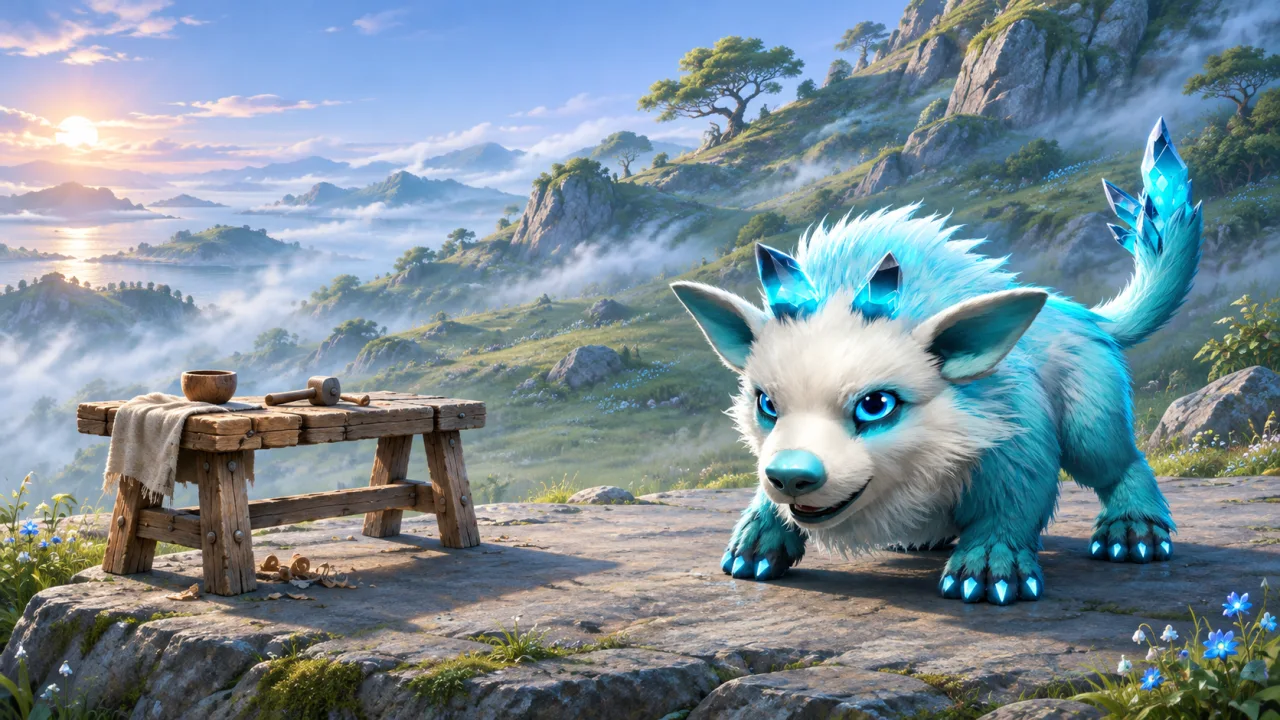
AneeMate's November 6 update says buried crafting stations and Yipee bushes move to a nearby reachable spot in build 0.1.5-ce. If you remember an object partly inside the terrain, look around its old location for a clear approach. The weekly development report describes a correction for those buried objects. It does not give a fixed distance or direction.
Use the old location as a landmark
Start about where you remember seeing the station or bush. Look for nearby ground you can walk onto. If the old place is a steep patch of terrain, look at the ledge beside it, the foot of the slope or a nearby open path. Keep the original landmark in view so you can tell whether you are moving through the same area.
For a model example, picture a station clipped into the uphill face of a rock. The useful search is a short circuit around the rock, including any visible flat space nearby. A player who runs straight over the hill may pass the new position without ever seeing the accessible side. Walking the perimeter once makes the search easier to describe if you still cannot find it.
When you reach a station you recognize, approach using the regular interaction. The update also describes clearer level prompts for nearby stations. The crafting recipe and materials guide gives the next step once you can read the station and want to check a recipe.
Check access from a normal route
Spotting an object and reaching it are two different observations. If you can see the workbench from below but cannot get close enough to interact, try an ordinary path to the other side and check the prompt again. If the interaction still fails, make a note of the route you tried. This provides more context than a distant picture of the station alone.
Bushes deserve their own check. Once you recognize a Yipee bush near the former location, see whether there is room to reach it from nearby ground. If you are gathering before a capture attempt, the Yipee element guide explains what to check in your kit before throwing one.
What should I do if I reach the wrong object?
Use the surrounding landmarks and what the object does. A station you find on the other side of the clearing may be a different station altogether. If you know the recipe you intended to make, open the station and check whether it is the right one for that task. With plants, compare the object and location before deciding that the old bush moved.
It can help to take one screenshot looking toward the old point, then another from the place where you can interact. Give each shot a short caption so someone can understand the route between them. This is particularly useful when the issue depends on the slope or a rock hiding the approach.
What if the object still looks buried?
Record the installed build and the scene. Include the old position if you know it and describe which side you tried to approach. If the interaction appears but you cannot activate it, note that separately from an interaction that never becomes visible. The report is easier to reproduce when it says what you could see and what you could do.
The fix described in the update concerns buried crafting stations and Yipee bushes. For broader camp placement decisions and everyday access, see the AneeMate building and farming guide.
If two people describe the same place differently, agree on a landmark first. A screenshot showing the landmark and a second one showing the object's current position can work as a simple route. In a cluttered camp, include the nearest floor edge or path so another person can see which side of the object was reachable without having to identify it from a close-up alone.
Where should I begin?
Return to one familiar spot and walk a short loop around the old location. Look for the object on reachable ground, then confirm the interaction before leaving the area. The AneeMate gameplay guide gives more context for gathering and crafting as part of the island route.